Prepare the next replenishment.
Keep reported levels separate from estimated yield. Record replacements and refills to give each supply cycle context.

Your print operation, connected
Less chasing meter readings. More context to serve your customers.
Printer monitoring, meter readings and supplies for copier rental companies and managed print services teams.
A Box on your network. Your sites in Perzibo.
cloudCUSTOMER · EXAMPLE
| Meter | Start | End | Difference |
|---|---|---|---|
| Total | 126,980 | 128,420 | 1,440 |
| B&W | 91,100 | 92,180 | 1,080 |
| Color | 35,880 | 36,240 | 360 |
The estimate complements the printer reading. It does not measure the physical amount of toner.
One customer, multiple sites.
View the latest information received. The Box can keep working on its local network.
Illustrative view · Sample data
Designed for multi-brand fleets.
Different devices. One clear way to view their information.
From readings to decisions
Understand what was printed, what information is missing and what to prepare next.
Compare the start, end and difference for a period. Check the original readings and download a report to prepare your billing review.
ONE PERIOD. TWO READINGS.
Example with compatible units and sources. The history preserves the details of each reading.
Keep reported levels separate from estimated yield. Record replacements and refills to give each supply cycle context.
Keep readings when an IP address changes or a Box is reinstalled. Identity or location changes that need review are confirmed before records are linked.
Organize customers, sites and devices. Search for what you need and view readings without browsing your entire fleet.
Close to the device. Within reach of your team.
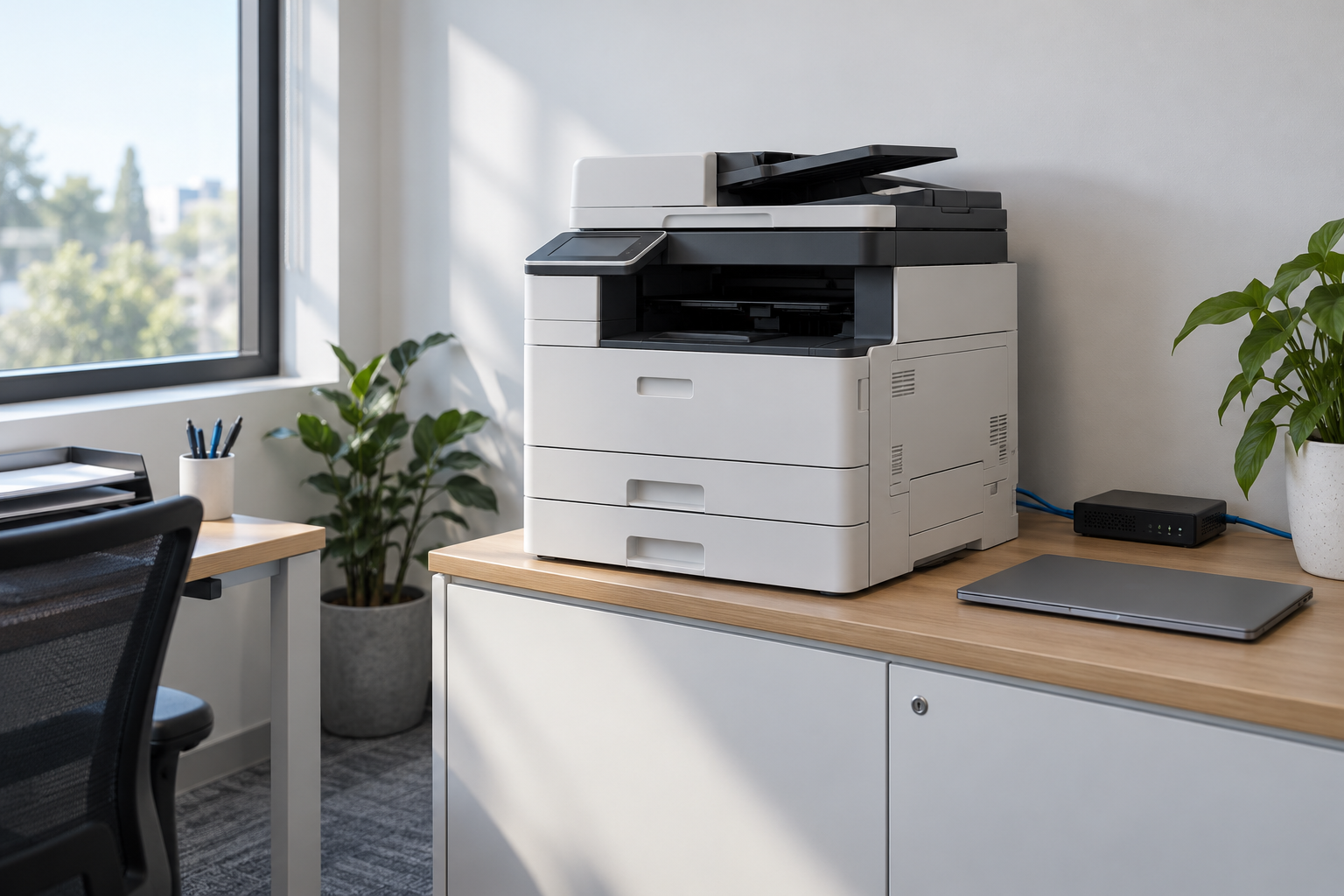
Perzibo Box works on site. Perzibo App brings together the information you choose to share.
Use a compatible Linux computer or Raspberry Pi. A Windows option using Ubuntu on WSL is also available.
View downloadsAuthorize the networks you want to check. Review the available information and calibrate when you need to verify a measurement.
Link the Box using the code from App, then select the devices to share. Your operation stays organized by customer and site.
With the Box powered on and able to reach devices on its network, it saves readings and resumes sending them when the connection returns.
Clarity also means knowing the limits
Brands and models can measure things differently. We preserve the source, date and available information without presenting an estimate as a measurement.
Authorized networks, selected devices and an encrypted connection to App.
B&W and color separation, units and coverage are checked against what the device reports.
Downloadable diagnostics to review sources, connectivity and status without collecting the contents of your print jobs.
Before connecting your first site
Perzibo is designed for multi-brand fleets. Available information depends on the model, firmware and enabled protocols. Before expanding your installation, we check discovery, meters and supplies using your devices. Testing one model does not certify the entire brand.
It is not the only option. Box runs on compatible AMD64 or ARM64 Linux systems. Windows can use WSL 2 with Ubuntu and systemd. The guide covers requirements and startup; signing out of Windows, suspending or shutting down the computer can interrupt WSL. A dedicated device is preferable for continuous monitoring.
Check the requirementsThe Box keeps monitoring while it has power and local connectivity to the devices. Pending readings are sent when internet returns. App shows the latest information received rather than presenting it as a fresh reading.
It is the level reported by the printer, subject to its sensor and firmware limitations. Separately, you can record a replacement or refill and configure a yield to estimate consumption. That forecast does not measure the physical amount of supply or replace the original reading.
Monitoring reads technical information such as meters, identity and supplies. It does not collect the contents of your print jobs. Physical calibration checks use test jobs that the technician chooses to run.
Get in touch to review your operation and plan a trial at one site. We validate models, connectivity and readings before expanding to more customers. If you already have App access, follow the guide to install and link a Box.
Let’s talk about my fleetYour next site starts here
Let’s start with one site and the questions that matter to your operation.
Start with one site
Tell us how you manage your fleet. We’ll focus our conversation on your devices and priorities.
Complete your contact details. Only your current process and message are optional.
01 · Understand your operation
02 · Review your models and network
03 · Plan a trial with you